null Skip to main content

Desks

  Computer Desk

Find the right desk for your space and the way you work.

Save with Your HSA/FSA Benefits

Eligible products may qualify for HSA/FSA reimbursement through Flex. Complete a quick eligibility check to see if you qualify.

  • Standing Desks

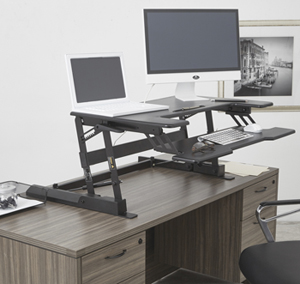
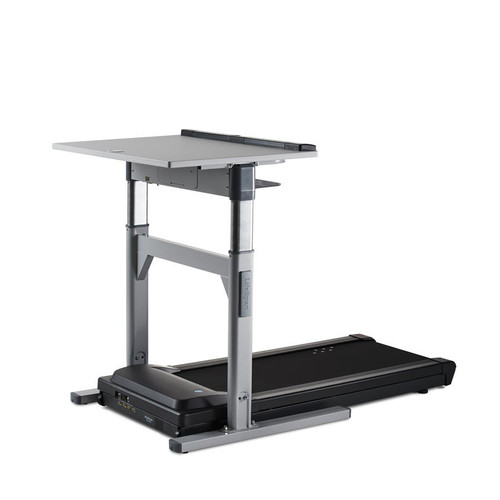
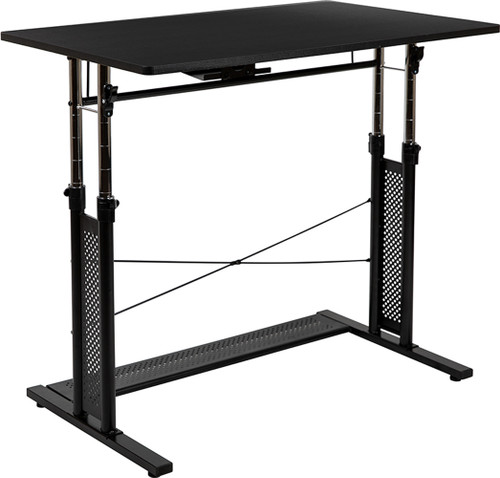
    Standing Desks

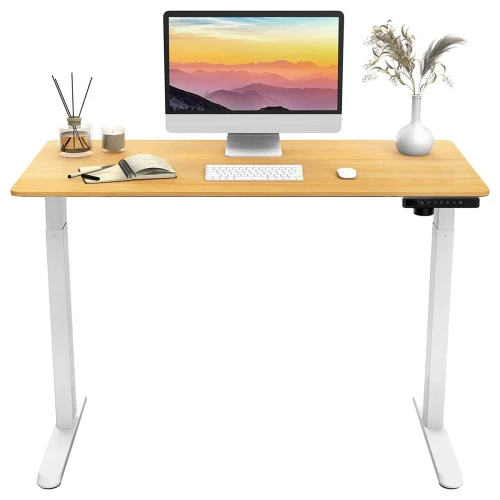
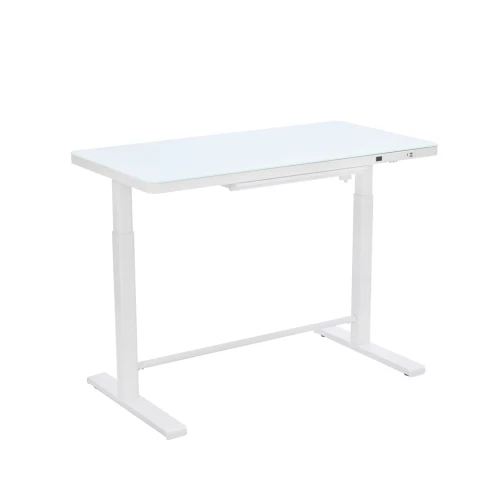
    Support healthy movement throughout the day with height-adjustable standing desks designed for the way you work.

    SHOP NOW
  • Mobile & Compact Workstations

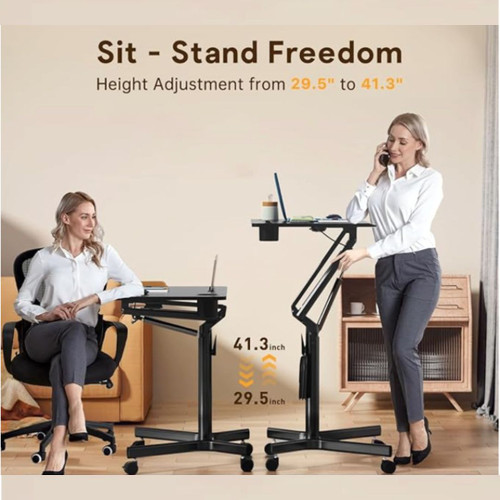
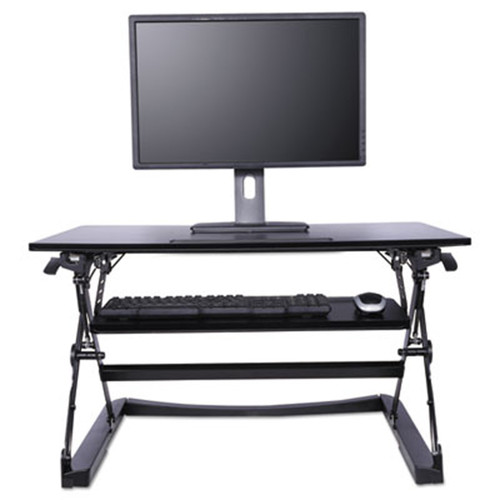
    Mobile & Compact Workstations

    Smart solutions for small spaces and flexible work areas.

    SHOP NOW

12 Products

  • Service Icon: Fast Nationwide Shipping Fast Nationwide Shipping
  • Service Icon: Free Local Delivery & Setup Free Local Delivery*
  • Service Icon: Expert Ergonomic Fittings Expert Ergonomic Fittings

Our Bestsellers

View All Bestsellers

Desks — Frequently Asked Questions

How do I choose the right size standing desk?

Measure your room and equipment. A 48–60" wide top typically fits one or two monitors plus essentials; larger tops suit multi‑monitor arms. Check depth for your monitor stand and allow cable clearance. We can help with a quick fit based on room size and gear.

What’s the difference between 2‑stage and 3‑stage frames?

3‑stage frames have a greater height range and often better stability at standing height — ideal for taller users or shared workstations. 2‑stage can be fine for standard ranges. If multiple people share a desk, choose a controller with programmable presets.

Are mobile/compact workstations sturdy enough for daily use?

Yes — look for steel frames, locking casters, and weight ratings that match your equipment. For carts, choose wheels suited to your floor type and check the worksurface size for a laptop plus mouse. Cable management helps keep mobile setups safe and tidy.

// // jQuery only ships "swing"/"linear" — register a real cubic // ease-in-out so open/close accelerates and settles smoothly // instead of moving at a near-constant speed. /* ========================================== WRAP EACH ACCORDION'S CONTENT INTO ONE PANEL Previously every sibling of .form-label (each swatch tile, the message span, etc.) was slid up/down as its own separate jQuery height animation — with a flex-wrapped row of swatches that recalculates row height as each tile grows, those many small independent tweens finished at slightly different times, which is what looked like "opens a little, then the rest pops in". Two elements, not one: the outer panel is the clipping/animation target, the inner one carries the flex-wrap layout the tiles used to inherit from .form-field. ========================================== */ // scrollHeight reports the panel's true, full content height even // while it's visually clipped by max-height + overflow:hidden, so // this is always measuring the real target regardless of current // state — that's what makes the animation reach exactly "full", // instead of the grid-template-rows technique which could fall // short or jump for large height changes. /* ========================================== ACCORDION (scoped to the options wrapper) ========================================== */ // On mobile especially, collapsing a big accordion above this one // shrinks the page and shoves everything below (including the panel // that's opening) up or down the screen, so the tapped label can end // up scrolled out of view. Lock the label's on-screen position for // the duration of the animation so it can't drift while panels resize. // Open the clicked panel and close the others at the same time, // each tweening its own measured height — so a big accordion // closing and a small one opening both animate at the same // duration/easing instead of one snapping shut. /* ========================================== MORE OPTIONS CLICK ========================================== */ /* ========================================== FIRST ACCORDION OPEN BY DEFAULT ========================================== */ // Set instantly (no animation) to its measured full height, using // the same scrollHeight measurement openPanel() uses, so the // default-open state matches what a real "open" looks like. //